avame codesandbox
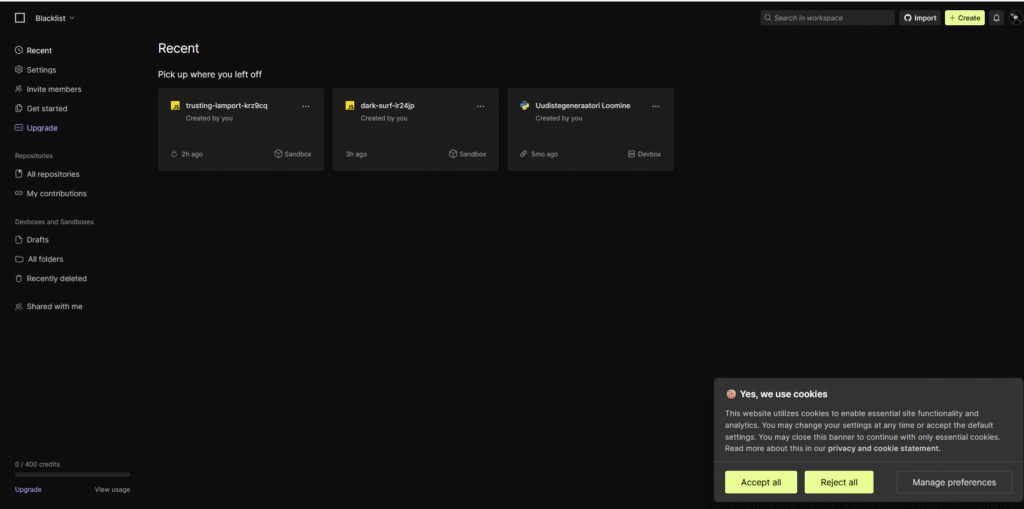
luuame uus project javascriptis autotabelid
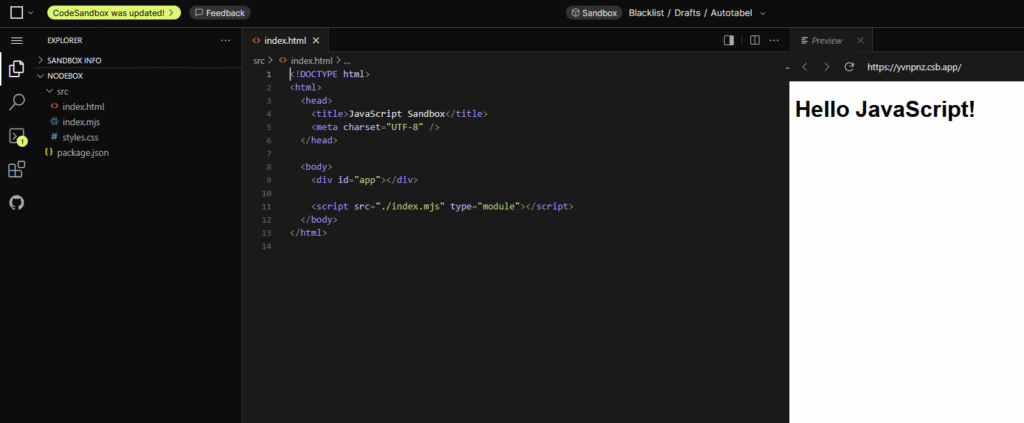
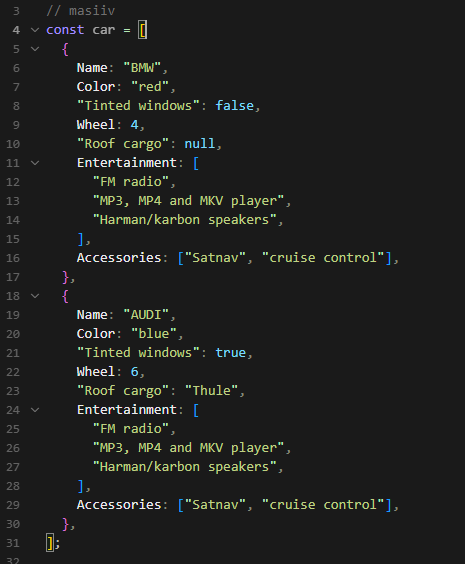
index.mjs loome uus masiiv:
// masiiv
const car = [
  {
    Name: "BMW",
    Color: "red",
    "Tinted windows": false,
    Wheel: 4,
    "Roof cargo": null,
    Entertainment: [
      "FM radio",
      "MP3, MP4 and MKV player",
      "Harman/karbon speakers",
    ],
    Accessories: ["Satnav", "cruise control"],
  },
  {
    Name: "AUDI",
    Color: "blue",
    "Tinted windows": true,
    Wheel: 6,
    "Roof cargo": "Thule",
    Entertainment: [
      "FM radio",
      "MP3, MP4 and MKV player",
      "Harman/karbon speakers",
    ],
    Accessories: ["Satnav", "cruise control"],
  },
];
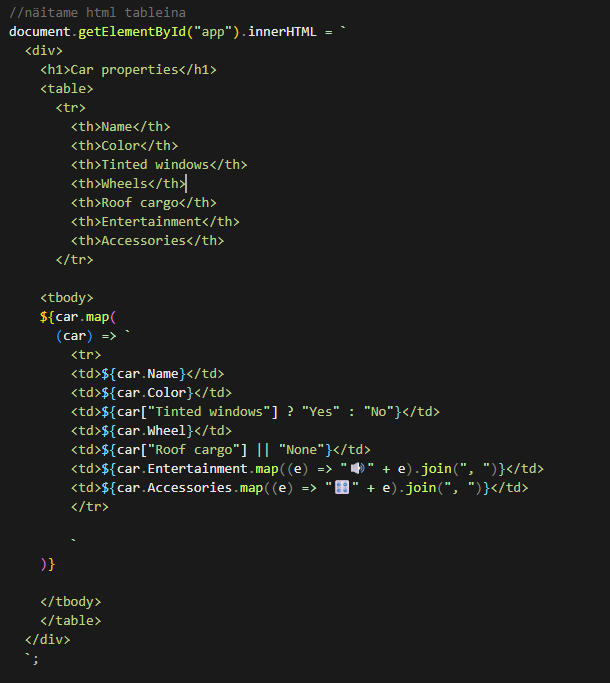
Kirjutame koodi mis abib näitama kõik autod:
//näitame html tableina
document.getElementById("app").innerHTML = `
  <div>
    <h1>Car properties</h1>
    <table>
      <tr>
        <th>Name</th>
        <th>Color</th>
        <th>Tinted windows</th>
        <th>Wheels</th>
        <th>Roof cargo</th>
        <th>Entertainment</th>
        <th>Accessories</th>
      </tr>

    <tbody>
    ${car.map(
      (car) => `
        <tr>
        <td>${car.Name}</td>
        <td>${car.Color}</td>
        <td>${car["Tinted windows"] ? "Yes" : "No"}</td>
        <td>${car.Wheel}</td>
        <td>${car["Roof cargo"] || "None"}</td>
        <td>${car.Entertainment.map((e) => "🔊" + e).join(", ")}</td>
        <td>${car.Accessories.map((e) => "🎛️" + e).join(", ")}</td>
        </tr>

        `
    )}

    </tbody>
    </table>
  </div>
  `;
Styles.css:
body {
  font-family: "Segoe UI", Tahoma, Geneva, Verdana, sans-serif;
  background: #f4f7f8;
  color: #333;
  margin: 20px;
}

h1 {
  text-align: center;
  color: #222;
  margin-bottom: 20px;
  font-weight: 700;
}

table {
  width: 100%;
  max-width: 900px;
  margin: 0 auto;
  border-collapse: collapse;
  box-shadow: 0 4px 15px rgba(0, 0, 0, 0.1);
  background: white;
  border-radius: 8px;
  overflow: hidden;
}

thead tr {
  background-color: #007acc;
  color: white;
  text-transform: uppercase;
  font-size: 0.9rem;
  letter-spacing: 1px;
}

th,
td {
  padding: 12px 18px;
  text-align: center;
  border-bottom: 1px solid #e0e0e0;
  vertical-align: middle;
}

tbody tr:hover {
  background-color: #f1f9ff;
  cursor: default;
}

tbody tr:nth-child(even) {
  background-color: #fafafa;
}

td {
  font-size: 0.95rem;
  color: #555;
}

td:first-child {
  font-weight: 600;
  color: #007acc;
  text-align: left;
}

td svg,
td .icon {
  vertical-align: middle;
  margin-right: 6px;
}

@media (max-width: 768px) {
  table,
  thead,
  tbody,
  th,
  td,
  tr {
    display: block;
  }
  thead tr {
    display: none;
  }
  tbody tr {
    margin-bottom: 15px;
    box-shadow: 0 2px 8px rgba(0, 0, 0, 0.1);
    border-radius: 8px;
    padding: 10px;
    background: white;
  }
  tbody td {
    text-align: right;
    padding-left: 50%;
    position: relative;
  }
  tbody td::before {
    content: attr(data-label);
    position: absolute;
    left: 18px;
    width: 45%;
    padding-left: 10px;
    font-weight: 600;
    text-align: left;
    color: #007acc;
  }
}
Kuidas kõik välja näeb:
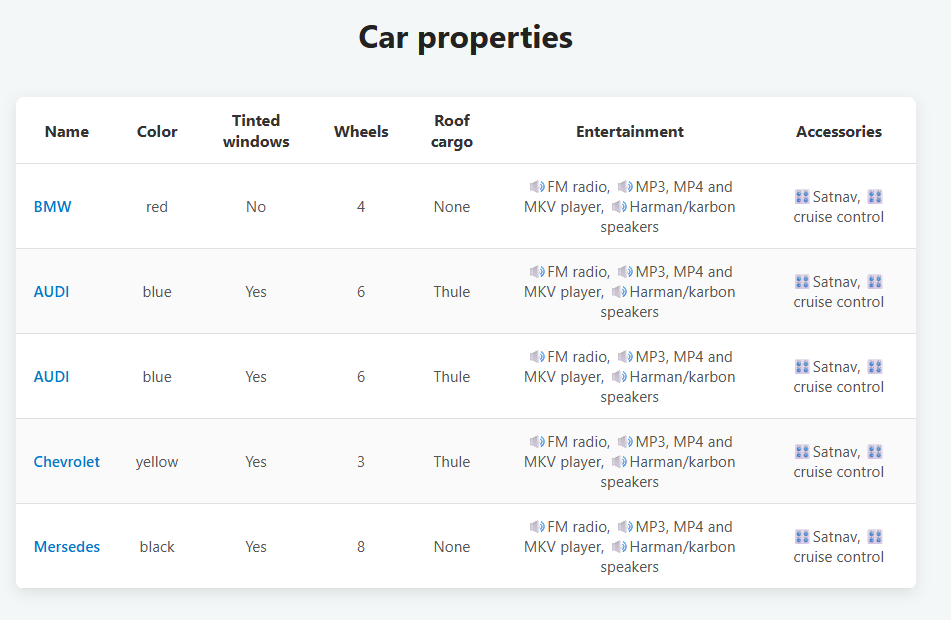
Kokkuvõtte:
Auto andmed on JSON masiivis mida pärast me kuvame html tabelina java scripti abil.